Windows disk space analyzer

See exactly what's filling your drive.

Topotree scans your entire drive in under 5 seconds and draws everything as an interactive map. The folder quietly holding 80 gigabytes stops being invisible the moment you see the picture.

14-day free trial

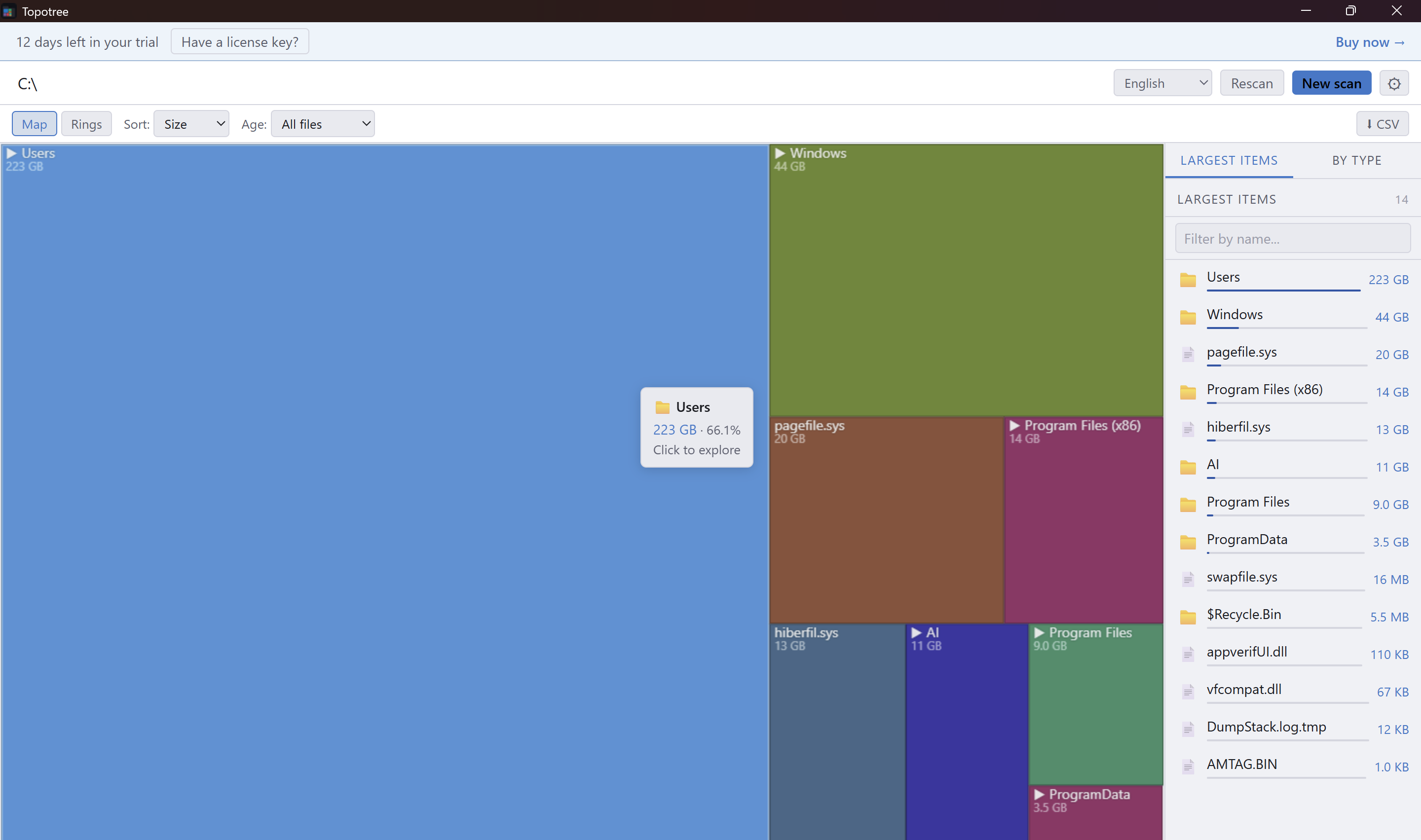
Topotree treemap view
⚡

Scans in seconds

Reads the NTFS Master File Table directly. A full drive with 750,000 files in under 5 seconds.

🗺

Two views, same data

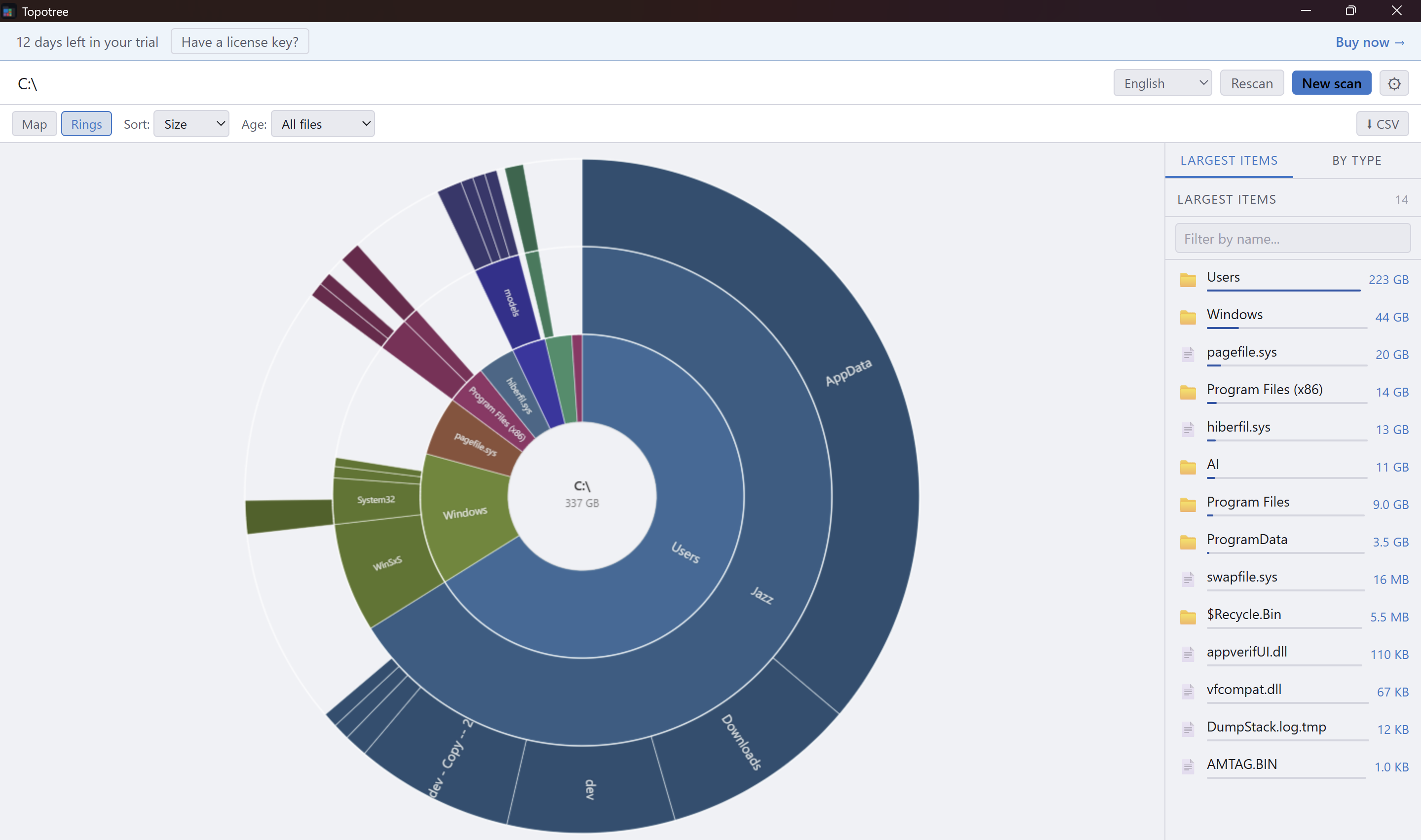
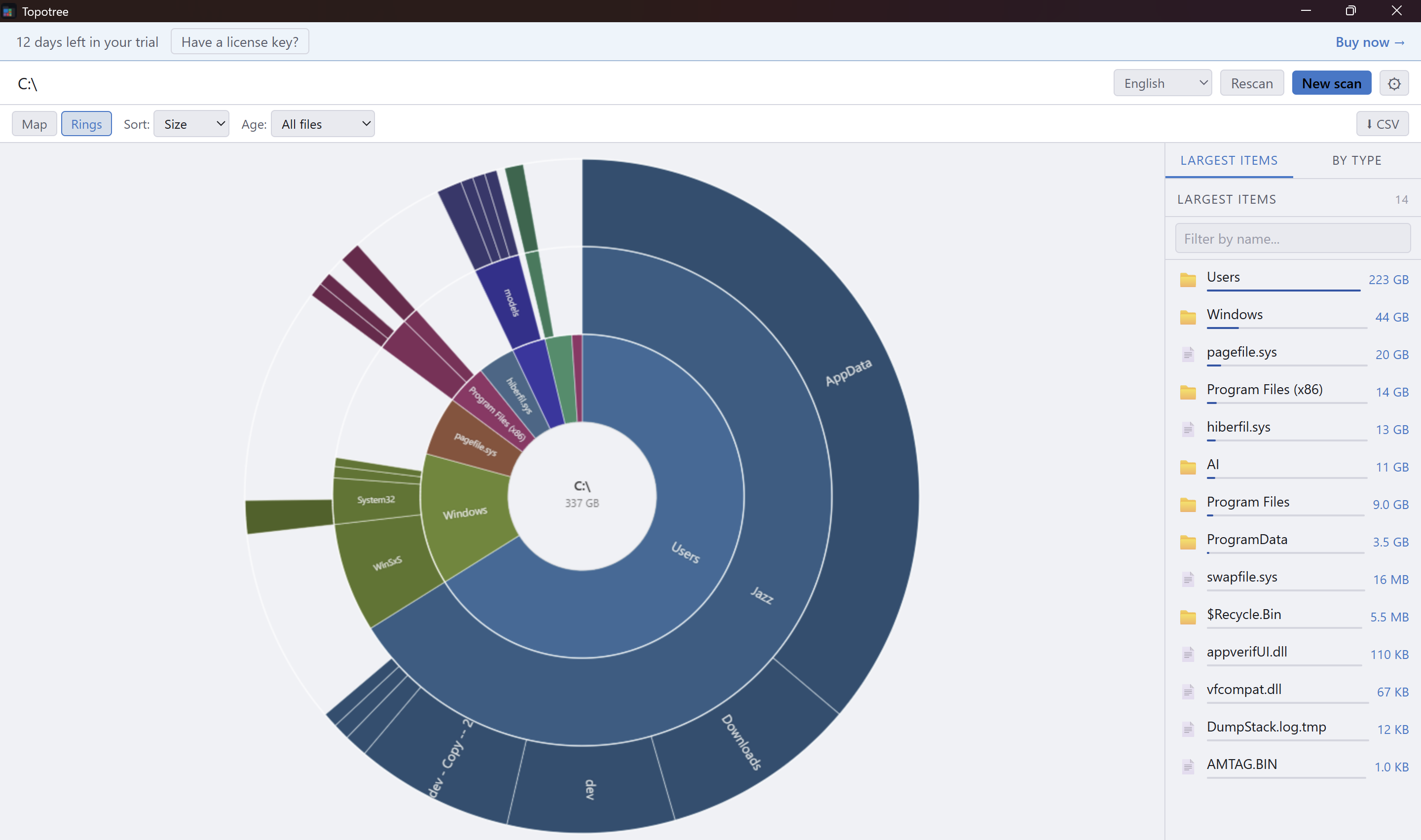
Switch between a treemap (bigger rectangle = more space) and a sunburst (rings show folder depth). Both update live as you drill in.

📅

Find forgotten files

Filter by age to show only files not touched in 1, 2, or 5+ years. No other disk analyzer offers this.

🗑

Clean up without fear

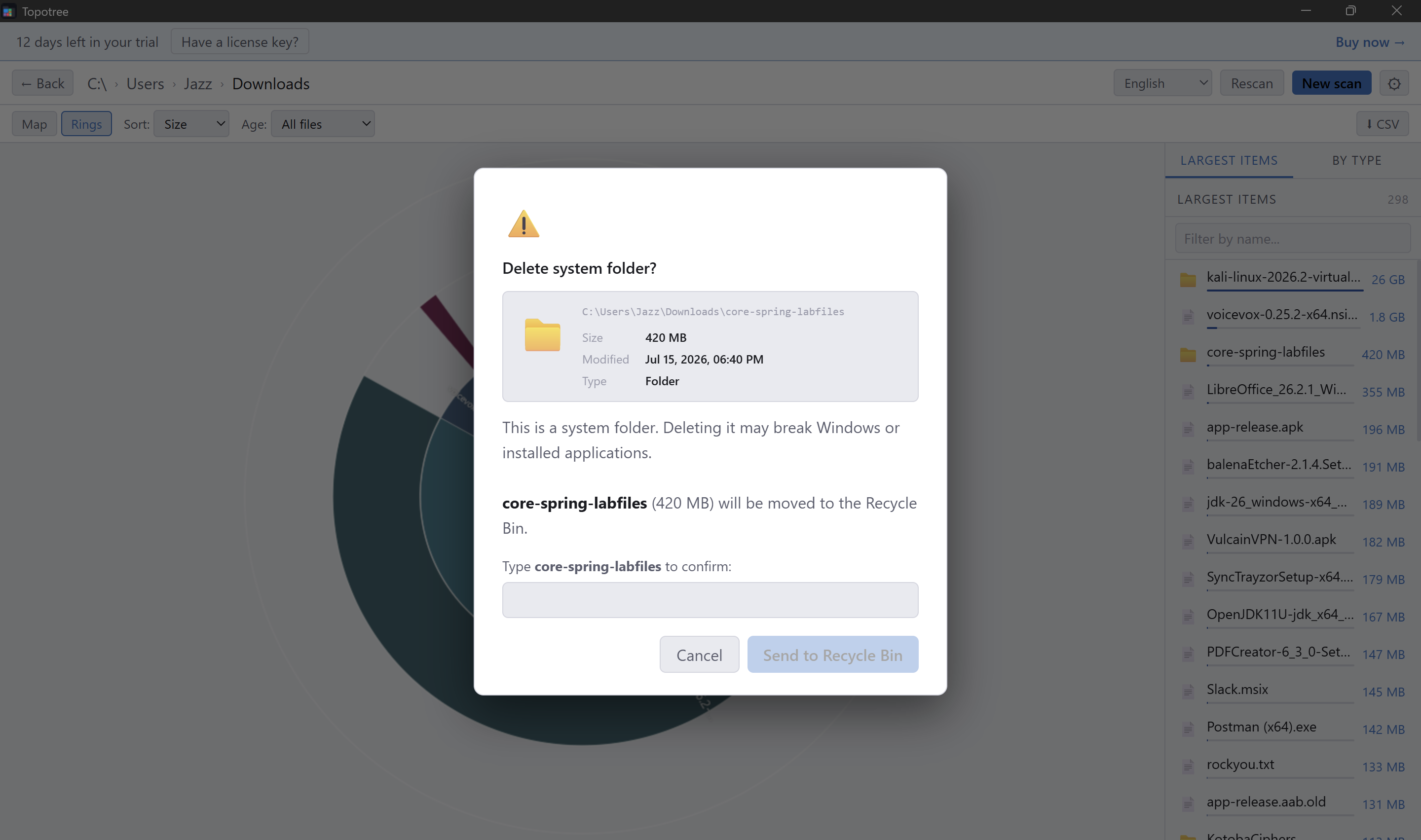
Right-click to send to the Recycle Bin. Use the Collector basket to queue items from different folders and review the total before deleting.

🧺

Instant history

Reopen any of your last 3 scans instantly without rescanning. A cleanup history dashboard tracks everything you've freed.

🌐

9 languages

English, French, German, Spanish, Italian, Portuguese, Dutch, Polish, Japanese. Light and dark theme. Text size S / M / L.
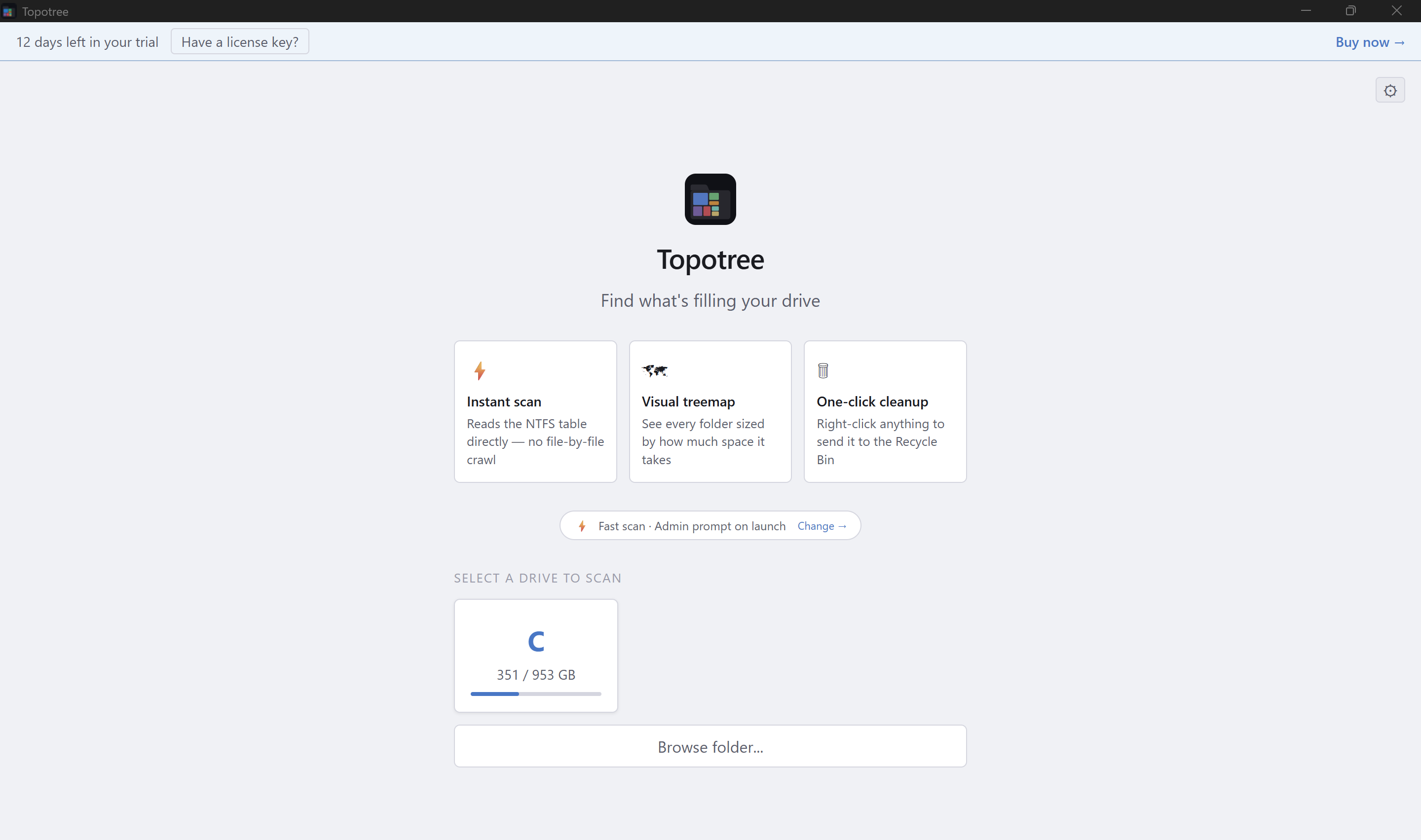
Everything in one window

Drive picker with usage bars
Interactive treemap
Interactive treemap
Sunburst / rings view
Safe deletion with file preview

One-time purchase.

No subscription. No analytics. No ads.

$9.99
  • Full access, forever
  • Free updates
  • 14-day free trial — no credit card
  • Windows 10 & 11 (64-bit)
Buy — $9.99

License key delivered by email after purchase

FAQ

Does it work on Windows 10?

Yes, Topotree runs on Windows 10 and 11 (64-bit).

Why does it ask for administrator permissions?

Topotree reads the NTFS Master File Table directly for maximum speed. This requires admin access — without it, a full drive scan would take minutes instead of seconds.

Does it delete files permanently?

No. Files are sent to the Recycle Bin by default so you can restore them if needed.

How does the trial work?

You get 14 days of full access with no credit card required. After the trial, a one-time purchase of $9.99 unlocks the app permanently.

I bought it — how do I activate my license?

After purchasing on Gumroad you'll receive a license key by email. Open Topotree, click 'Enter license key' on the trial screen, and paste it in.